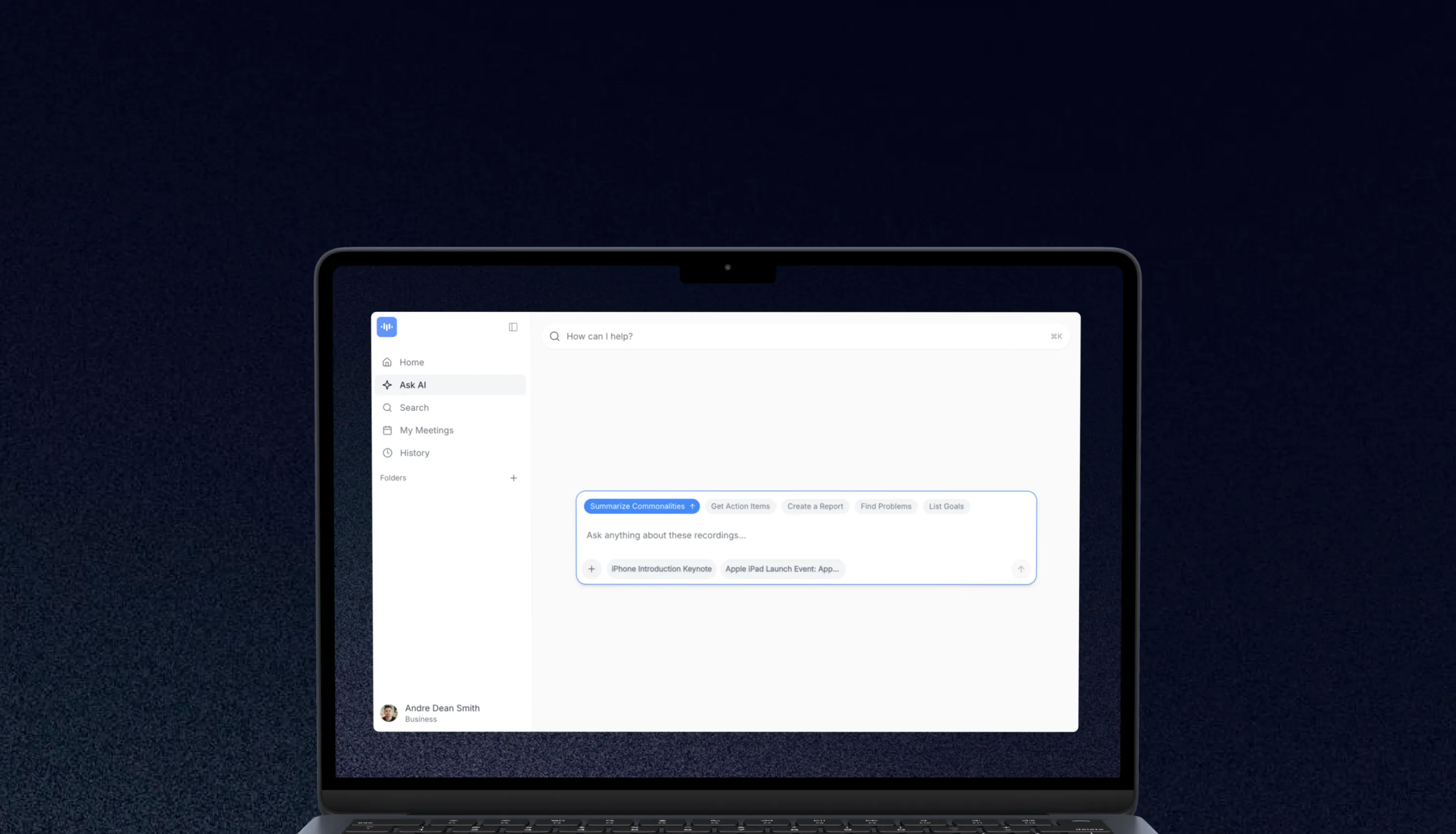
Convert Pinterest Video Pins and Idea Pins to Text
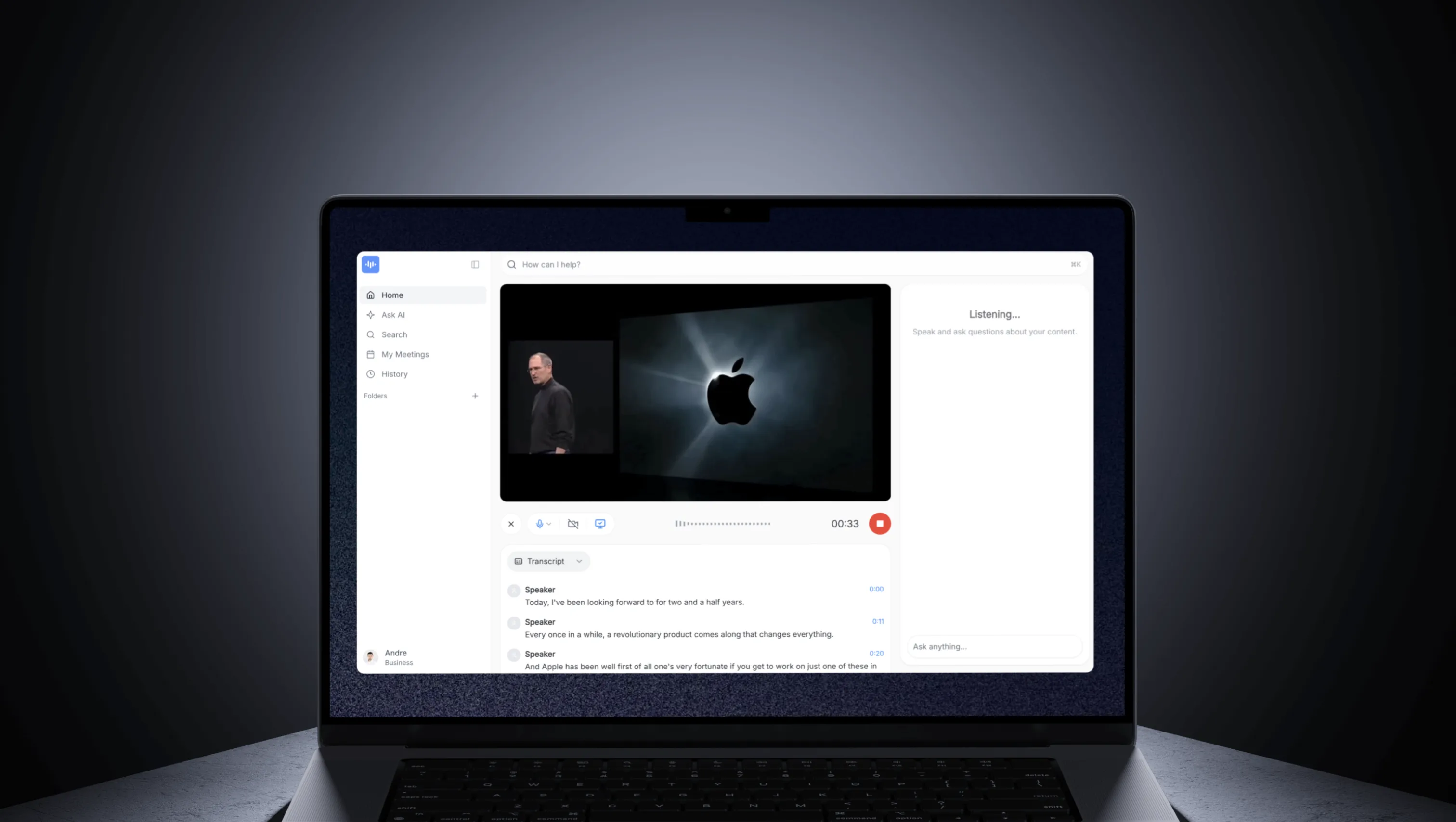
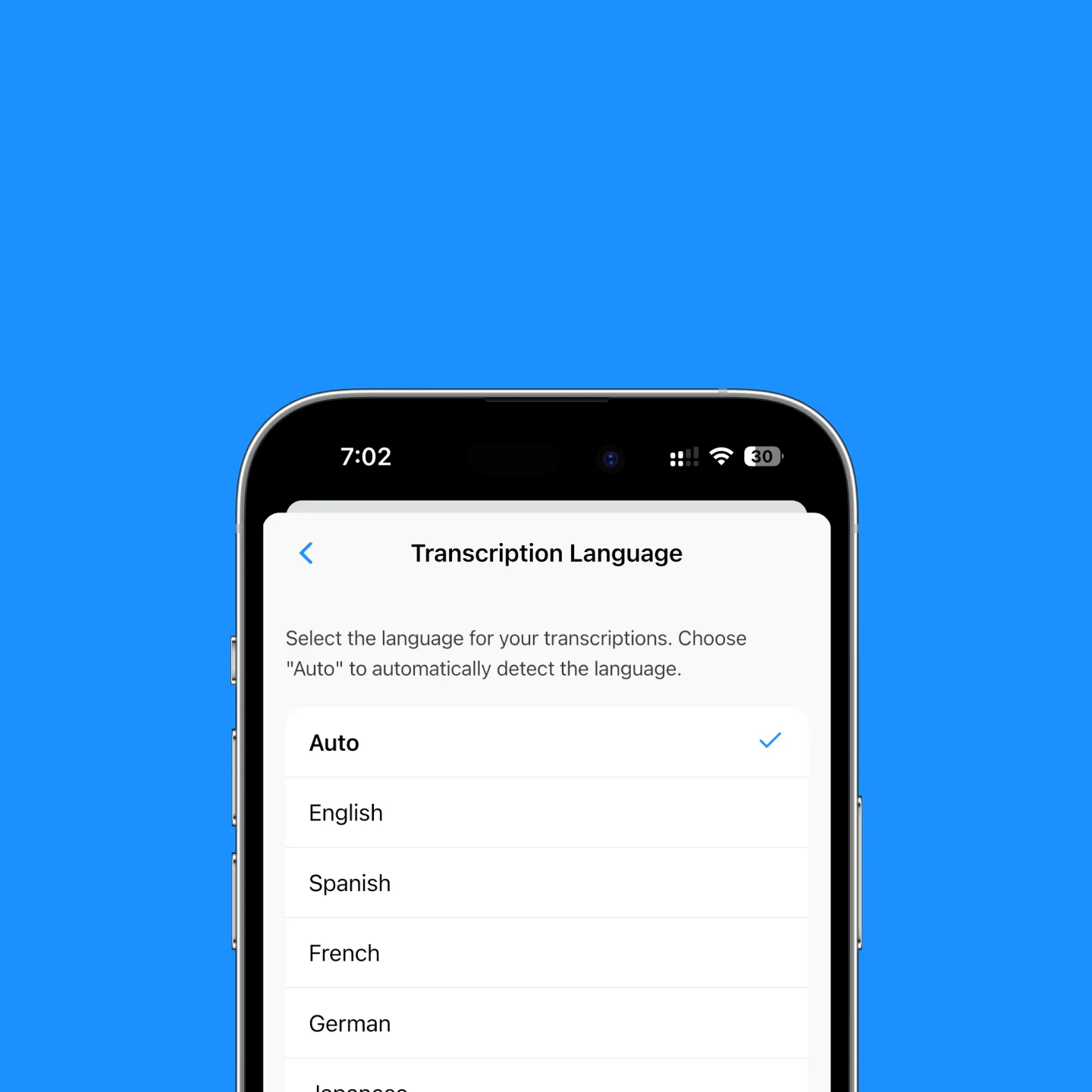
Paste the URL of any Pinterest video pin or Idea Pin and the audio is transcribed in 2 to 3 minutes with 99 languages supported via Whisper Large-v3 and word-level speaker labels via xAI Grok STT. No download, no signup for the first recording, no software install.
What you can do with it:
- Transcribe a single video pin or a multi-segment Idea Pin in one pass
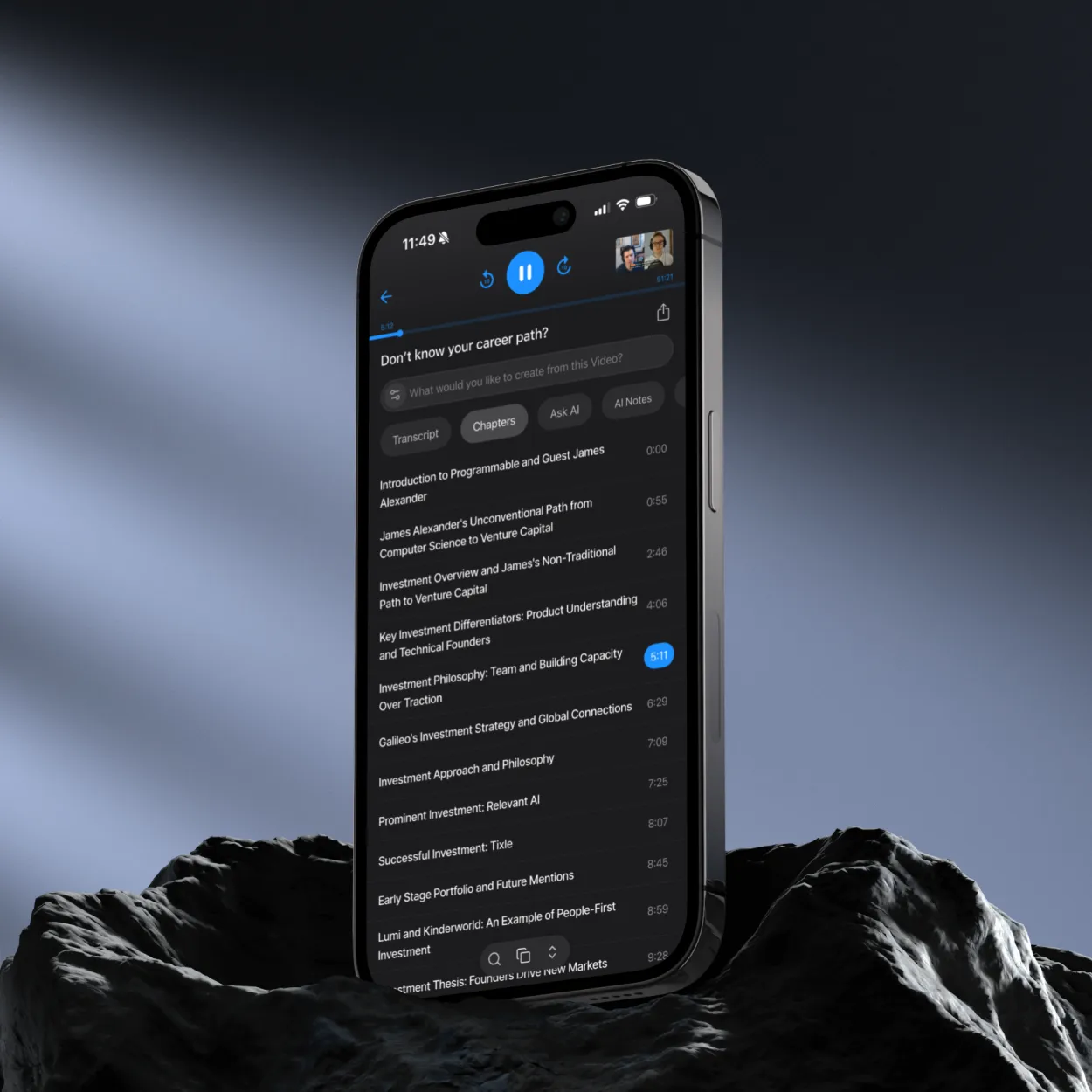
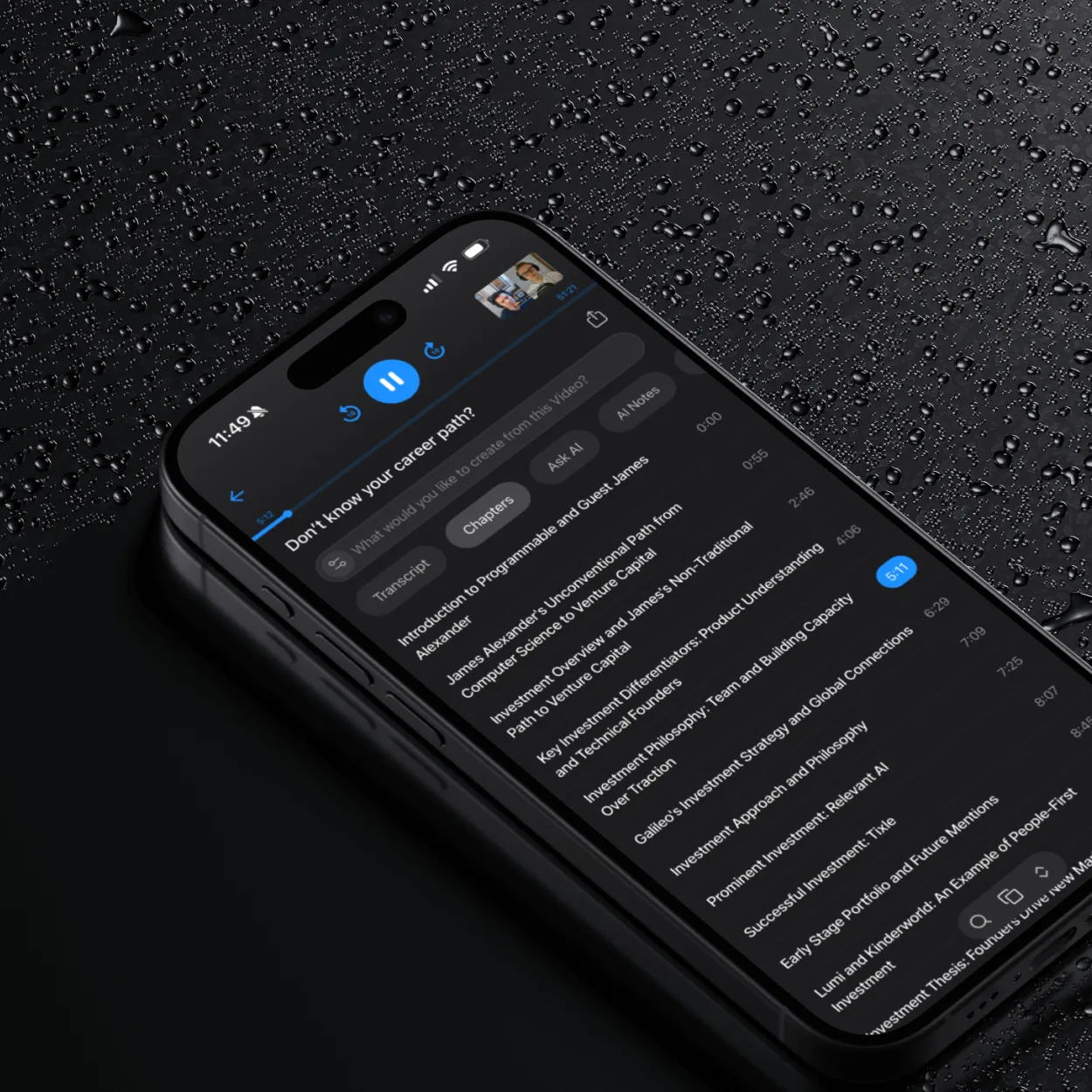
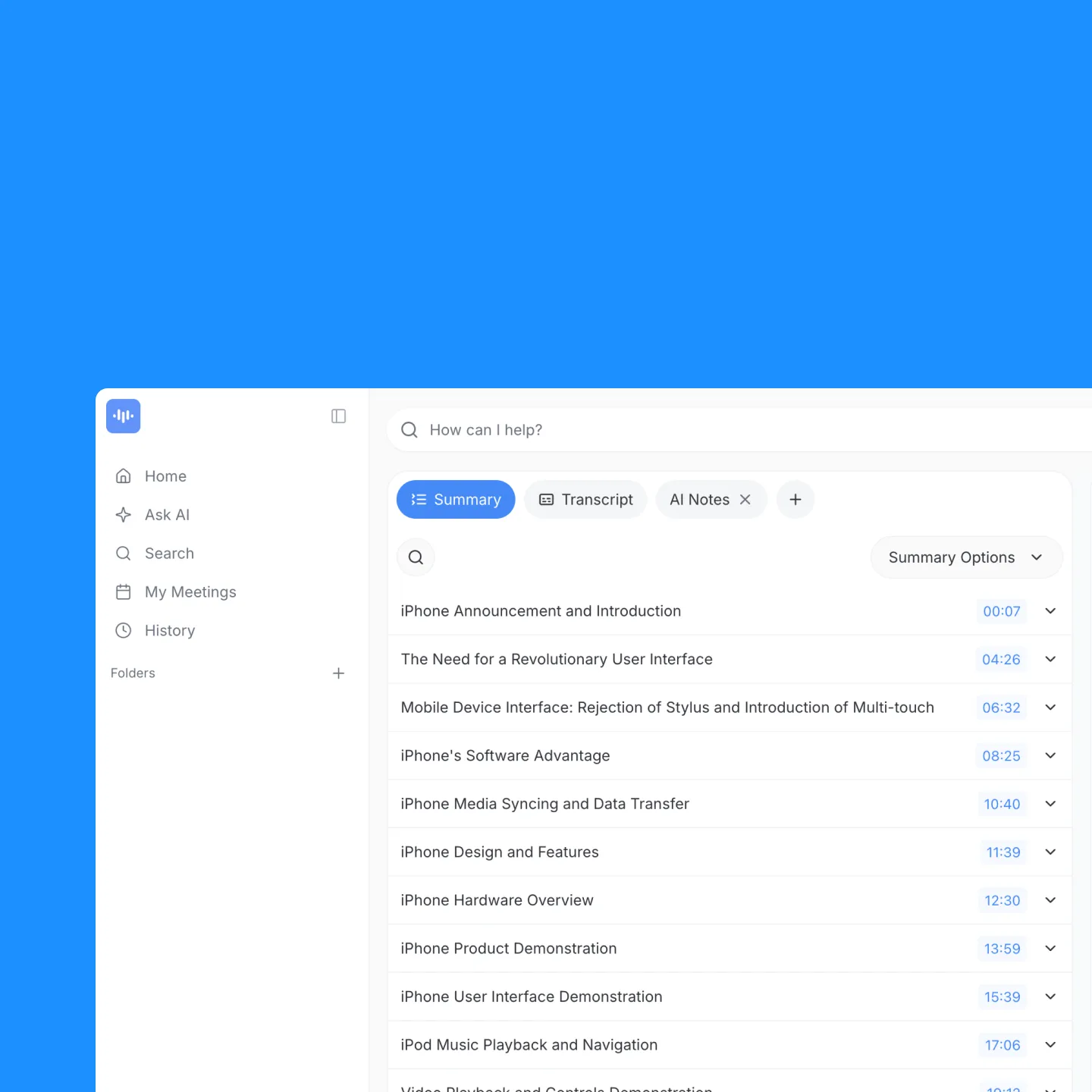
- Get a word-by-word timeline with timestamps every 15 to 30 seconds
- See speaker labels when the pin has more than one voice
- Export to TXT, PDF, DOCX, or SRT (for re-captioning your own pins)
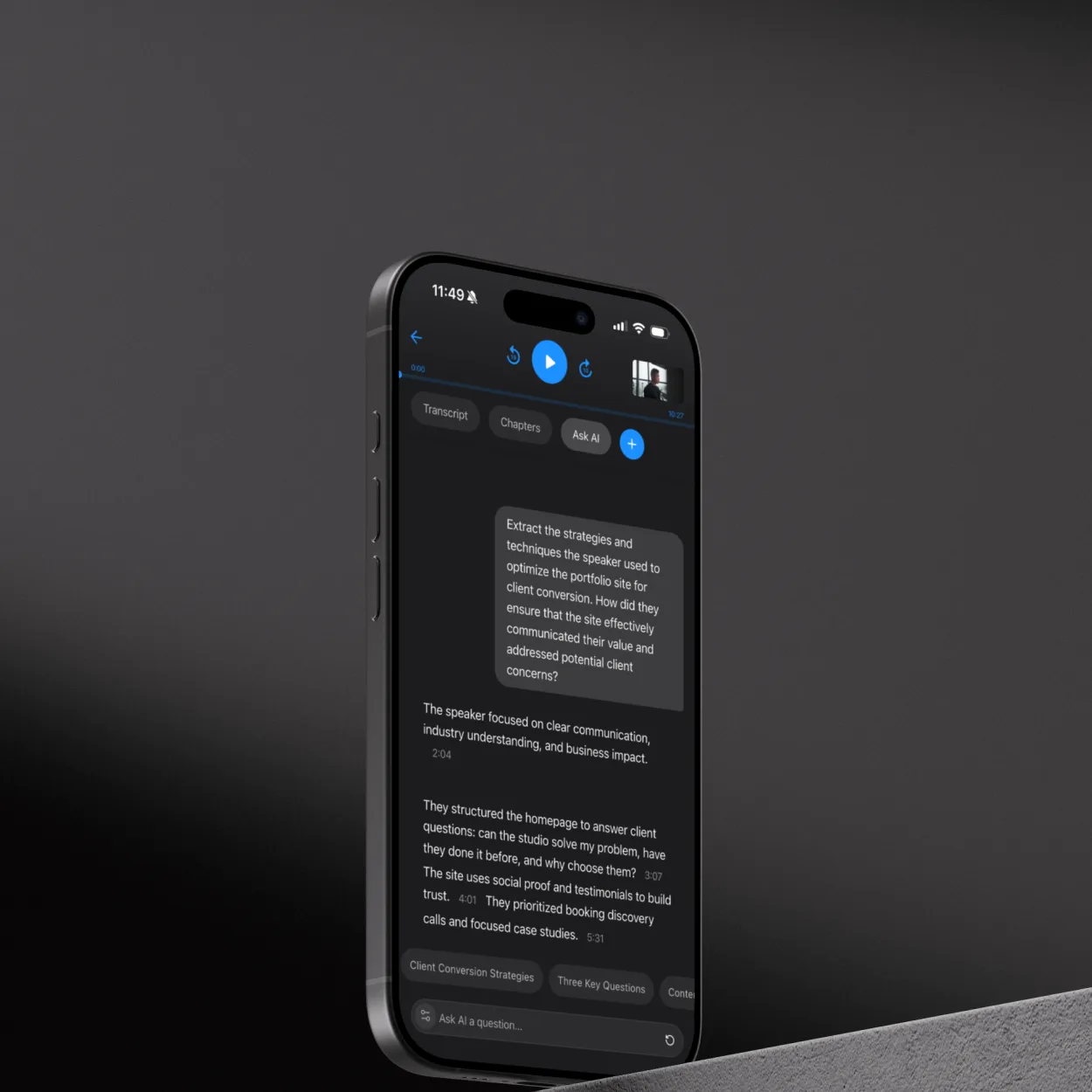
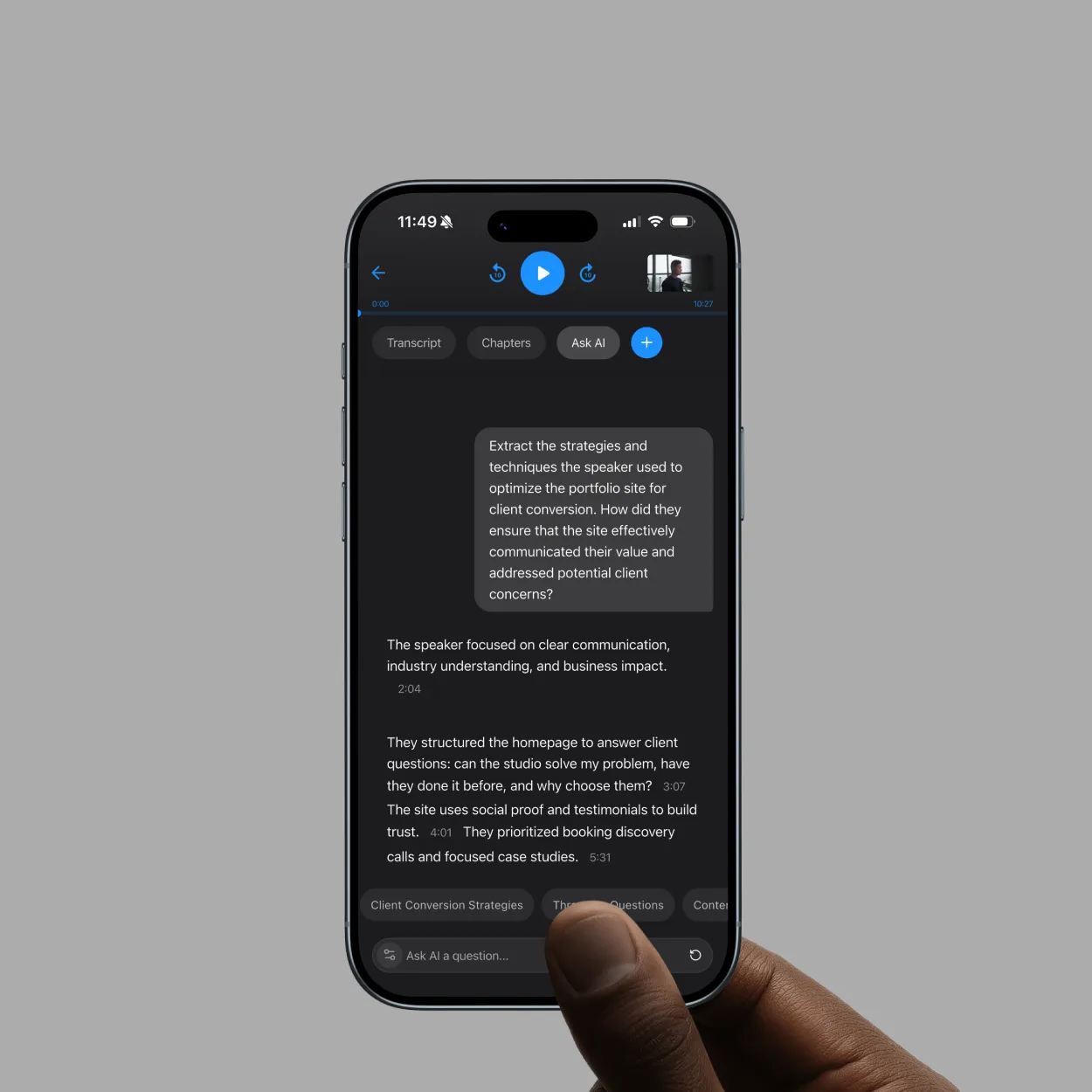
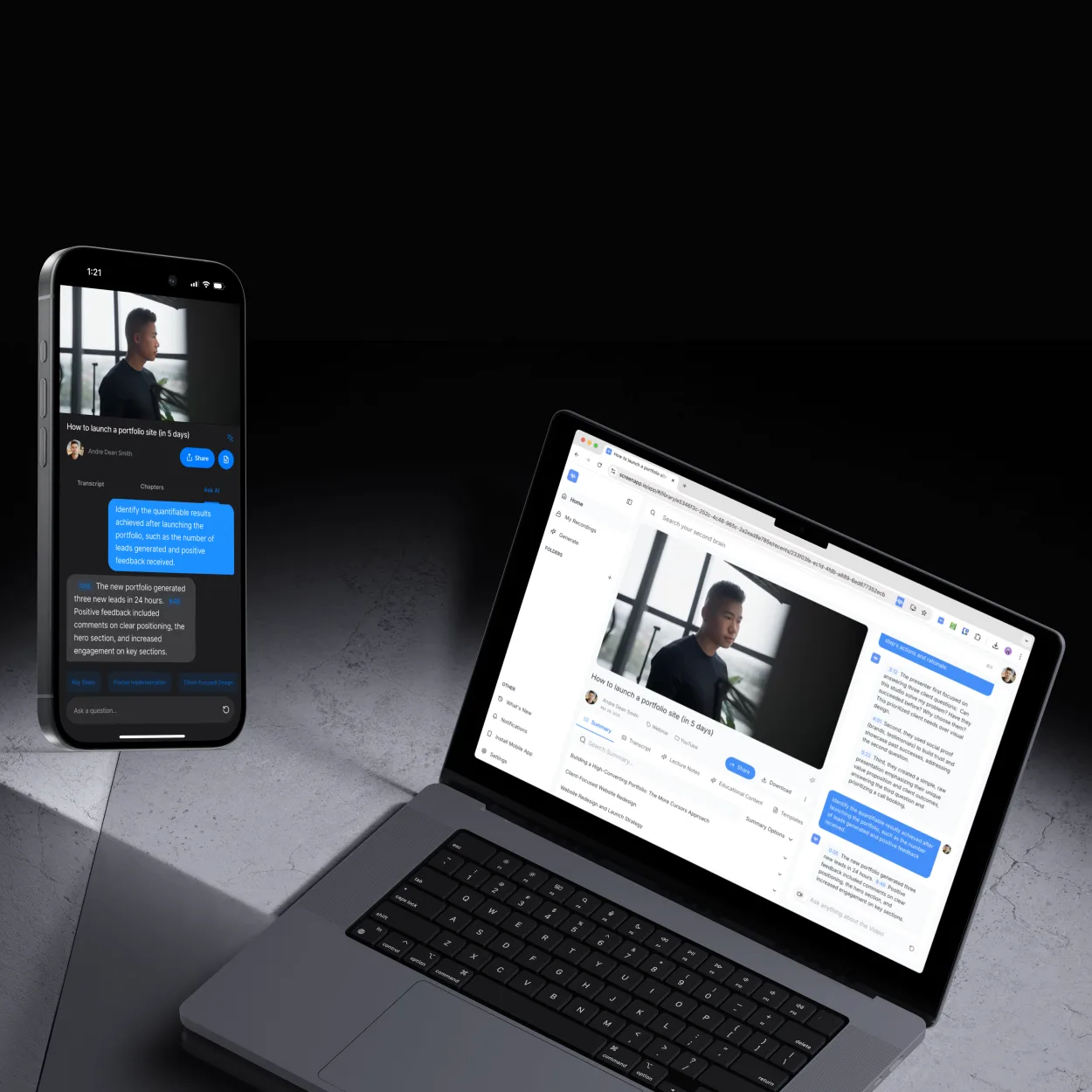
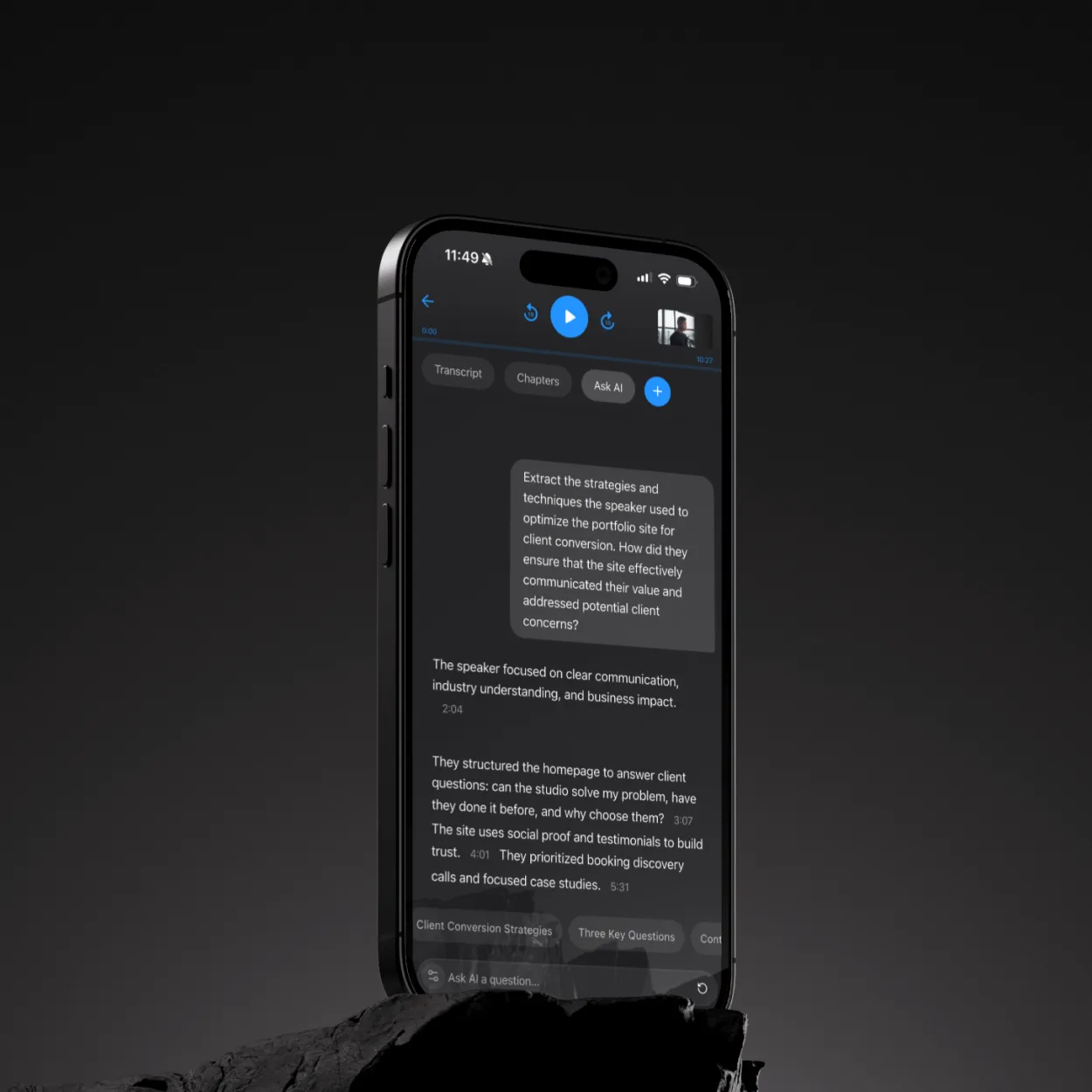
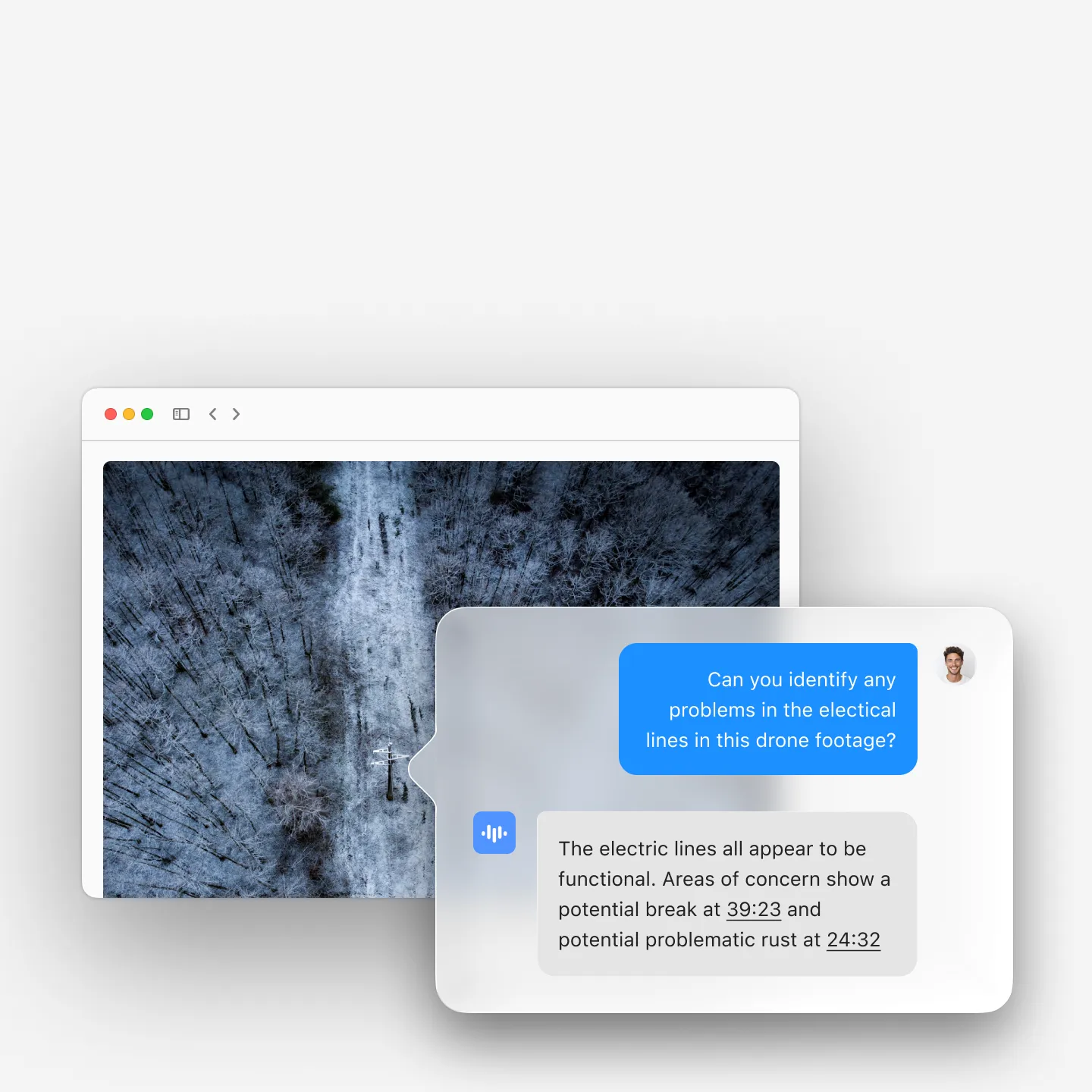
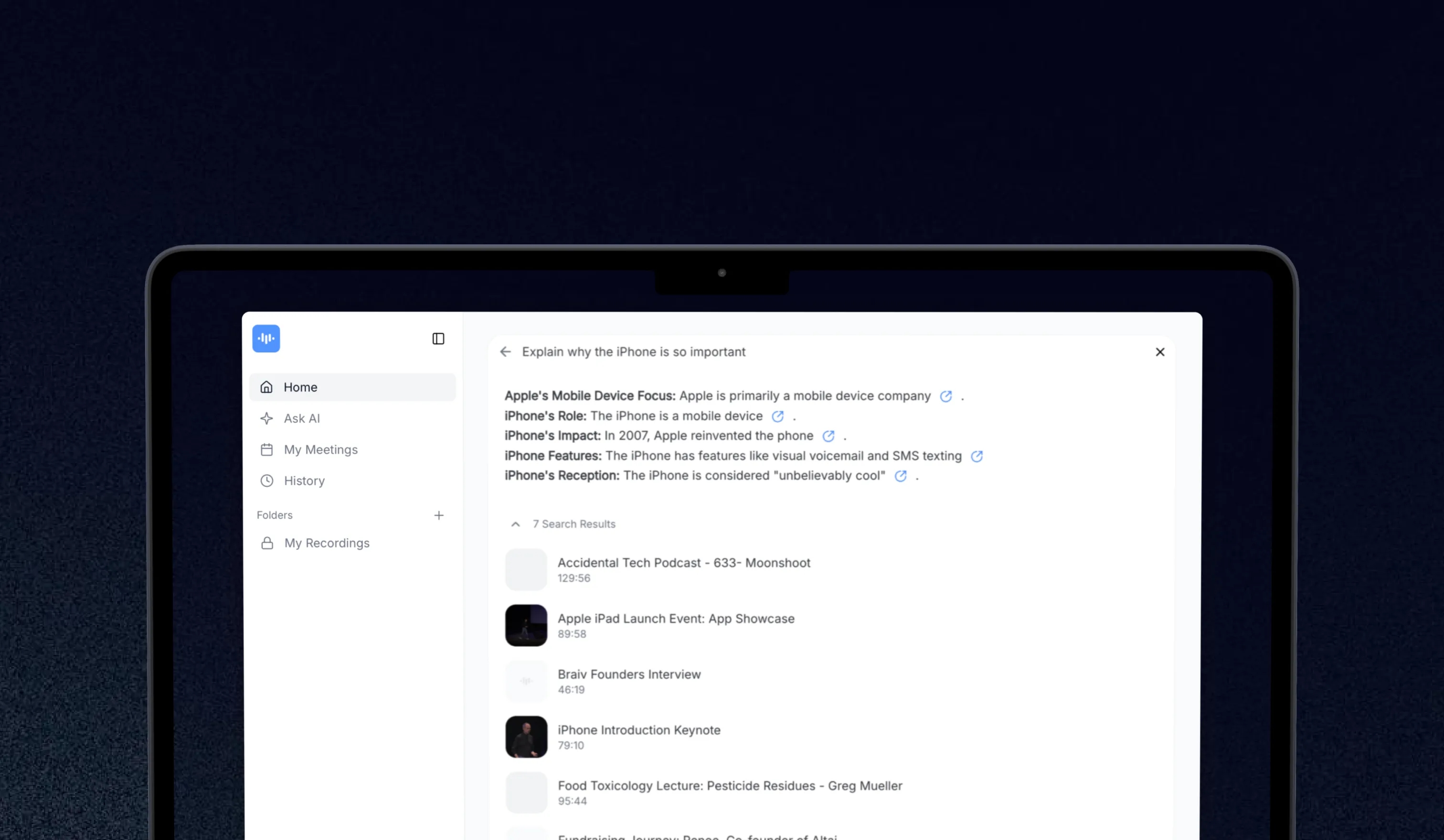
- Ask follow-up questions about the transcript (chat Q&A on the text)
The free signup includes 1 recording with no credit card. The 7-day Growth trial unlocks unlimited recordings for longer or higher-volume work.
How to Transcribe a Pinterest Video
- Open the pin in Pinterest, click the “Send” icon, then “Copy link”. You can also copy the URL straight from the browser address bar (pinterest.com/pin/…).
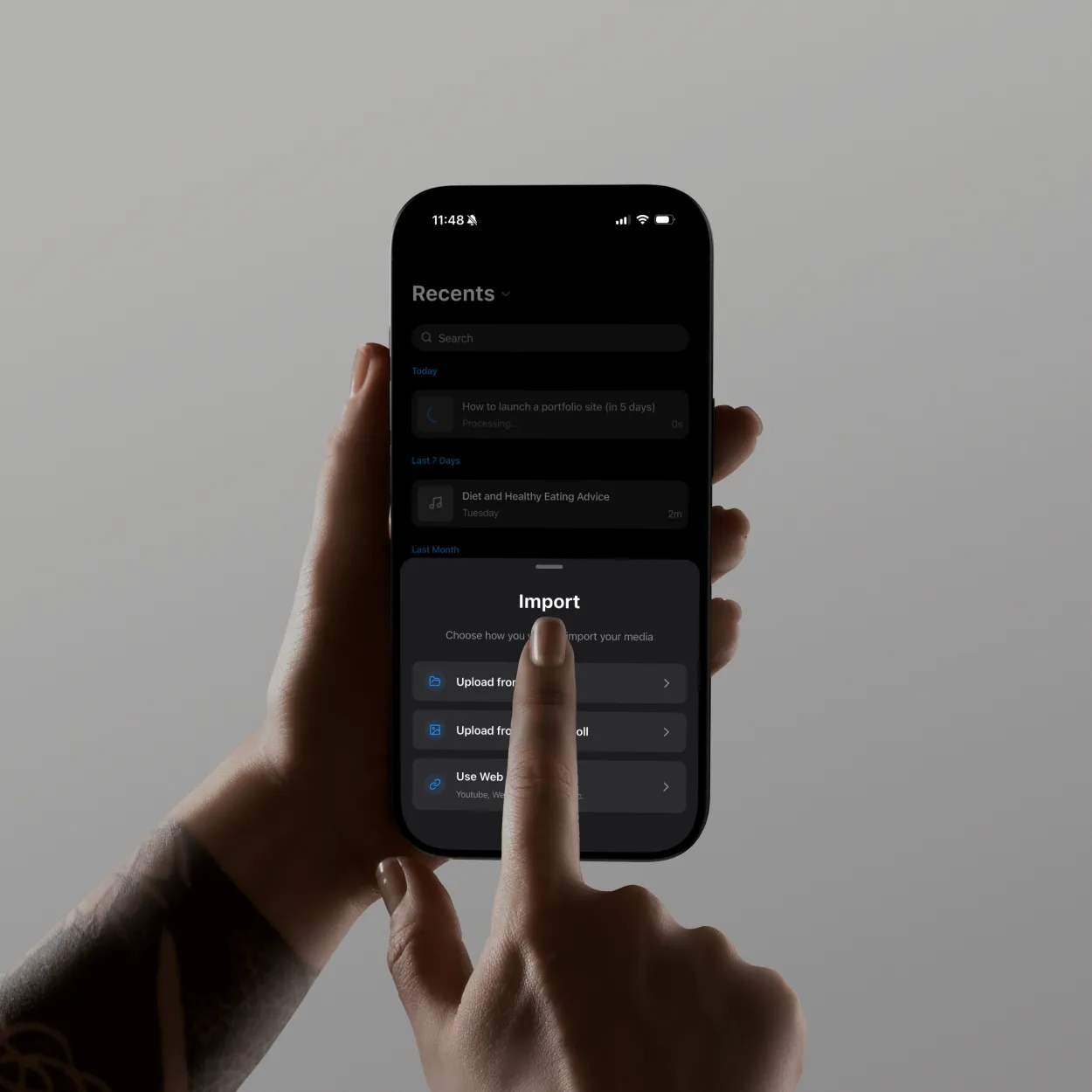
- Paste the URL into the ScreenApp transcript box on this page.
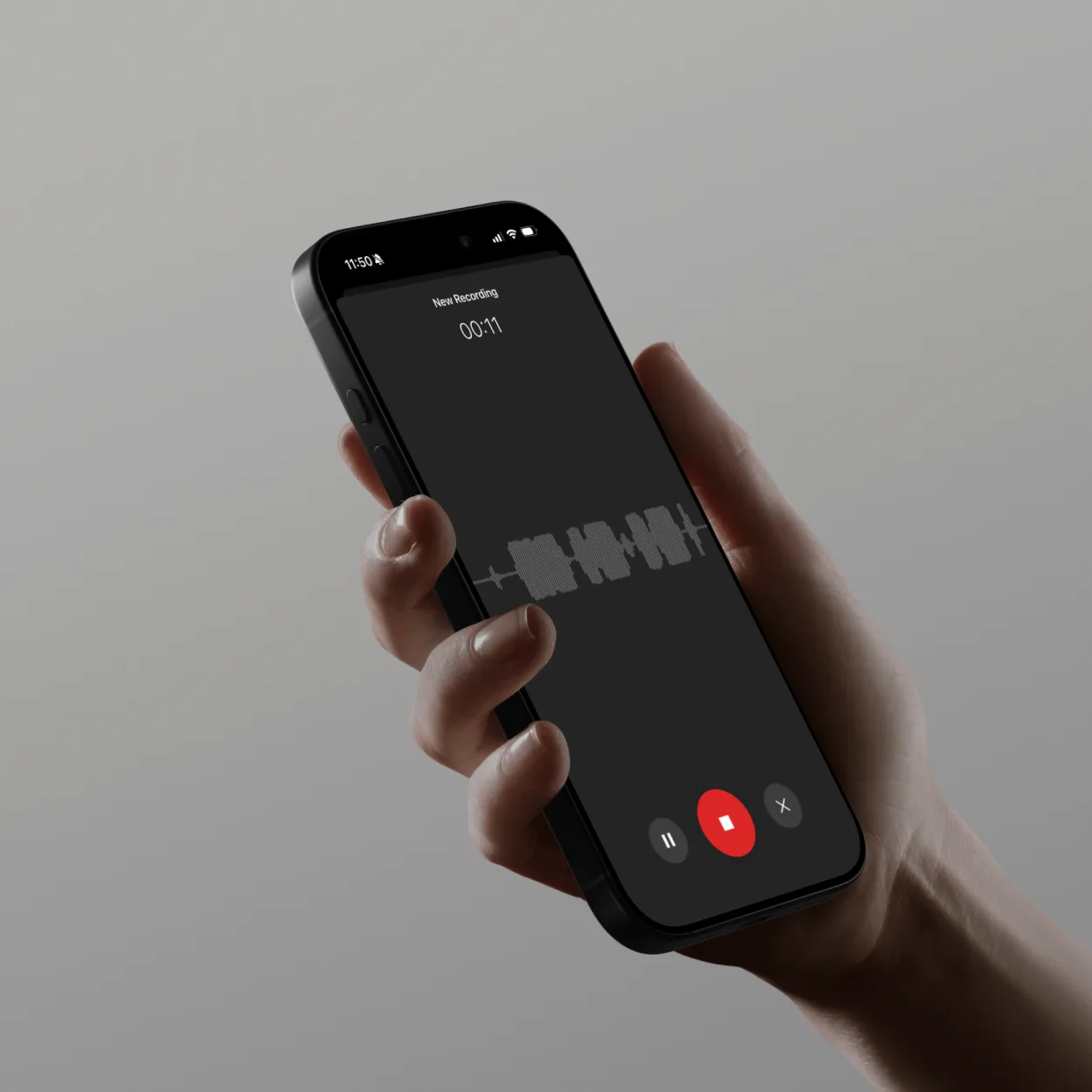
- Wait roughly 2 to 3 minutes for transcription, speaker labeling, and summary generation to finish.
- Read, edit, and export. Use the AI chat to ask “what products did the creator mention?” or “summarize the recipe steps”.
Pinterest URL formats and what works
Pinterest serves several URL shapes. Use this table to figure out what to paste:
| Pinterest URL pattern | Pin type | Transcription supported |
|---|---|---|
pinterest.com/pin/<id>/ | Video pin | Yes, full audio transcribed |
pinterest.com/pin/<id>/?invite_code=... | Shared / collaborative pin | Yes, same as above |
pin.it/<short-id> | Shortened share link | Yes, the short link auto-resolves |
pinterest.com/<user>/<board>/ | Board page (multiple pins) | No, paste one pin URL at a time |
pinterest.com/<user>/_saved/ | User’s saved pins | No, this is a list page |
| Idea Pin (multi-segment story) | Segmented multi-clip story | Yes, all segments transcribed in order with section breaks |
Image-only pins have no audio, so there is nothing to transcribe. The tool will return an empty transcript and a “no audio detected” note rather than an error.
How Pinterest pin transcription compares to alternatives
| Method | Source supported | Timestamps | Speakers | Cost |
|---|---|---|---|---|
| ScreenApp | Direct pin URL | Yes | Yes | Free for 1 recording, then $19/mo annual |
| Pinterest native captions | Auto-captions on some pins | Per-line | No | Free |
| Manual transcription | Watch and type | Manual | Manual | Time cost |
| Download then upload to a transcription tool | After download | Yes | Depends on tool | 2-tool workflow |
| Audio extraction with ffmpeg, then a separate STT | After extraction | Depends on STT | Depends on STT | Technical setup |
Pinterest’s own auto-captions are a useful starting point for short pins, but they are line-based, do not separate speakers, and are not available on every pin. For longer pins or Idea Pins with multiple segments, a full transcription with timestamps is usually more practical.
Who uses Pinterest transcription
Content creators convert their own video pins back into text for blog posts, newsletters, and SEO-targeted product descriptions. A 90-second tutorial pin becomes a 300 to 500-word how-to article.
E-commerce sellers transcribe product demo pins to feed accurate spoken content into product listings, ad copy, and email campaigns.
Recipe and DIY publishers turn video instructions into written step-by-step recipes or builds, which rank for different intent and are accessible offline.
Educators and bloggers extract teaching points and quotes from tutorial pins for course material and resource lists.
Marketing teams transcribe competitor pins to make pin content searchable across a research corpus.
Related social platform transcription
Pinterest sits in the social-platform transcription cluster alongside:
- Instagram Reels and Stories transcription: visual-first short-form video
- Twitter / X video transcription: tweet videos and Spaces clips
- Threads video transcription: short-form video posts
- Facebook Messenger audio transcription: voice notes and call exports
- YouTube video transcription: long-form YouTube content
FAQ
How do I get a Pinterest pin URL?
On desktop, open the pin and copy the URL from the address bar. On the Pinterest mobile app, tap the share icon, then “Copy link”. Either form works as input.
Does it work on Idea Pins?
Yes. Each segment in an Idea Pin is transcribed in order. The output marks where one segment ends and the next begins.
What about pins with music only and no spoken audio?
If the pin has only music or a silent video, the output transcript will be empty and the tool returns a “no speech detected” note. Lyric transcription from music tracks is not supported.
Is the first transcription really free?
Yes. The Free Forever signup includes 1 recording with no credit card. After that, you can either take a 7-day Growth trial (credit card required, $228/year after day 7) or a paid plan.
How accurate is the transcription on Pinterest videos?
Studio-quality narration achieves around 4 to 5% WER on the April 2026 retest. Pinterest content is often shot in less-controlled conditions, so expect 8 to 12% WER on hand-held phone audio with background music or ambient noise. Per-language and per-condition numbers are on the accuracy benchmarks page.
Can I export captions back onto my own pin?
Yes. Export as SRT and upload the SRT file in Pinterest’s pin editor or your video tool of choice. SRT timestamps are in the format Pinterest expects.
What about Pinterest TV broadcasts?
Pinterest TV live broadcasts can be transcribed once the recording has been published as a regular video pin. Live transcription during a broadcast is not currently supported.